
Stem and Leaf Plot Generator – Free Online Tool
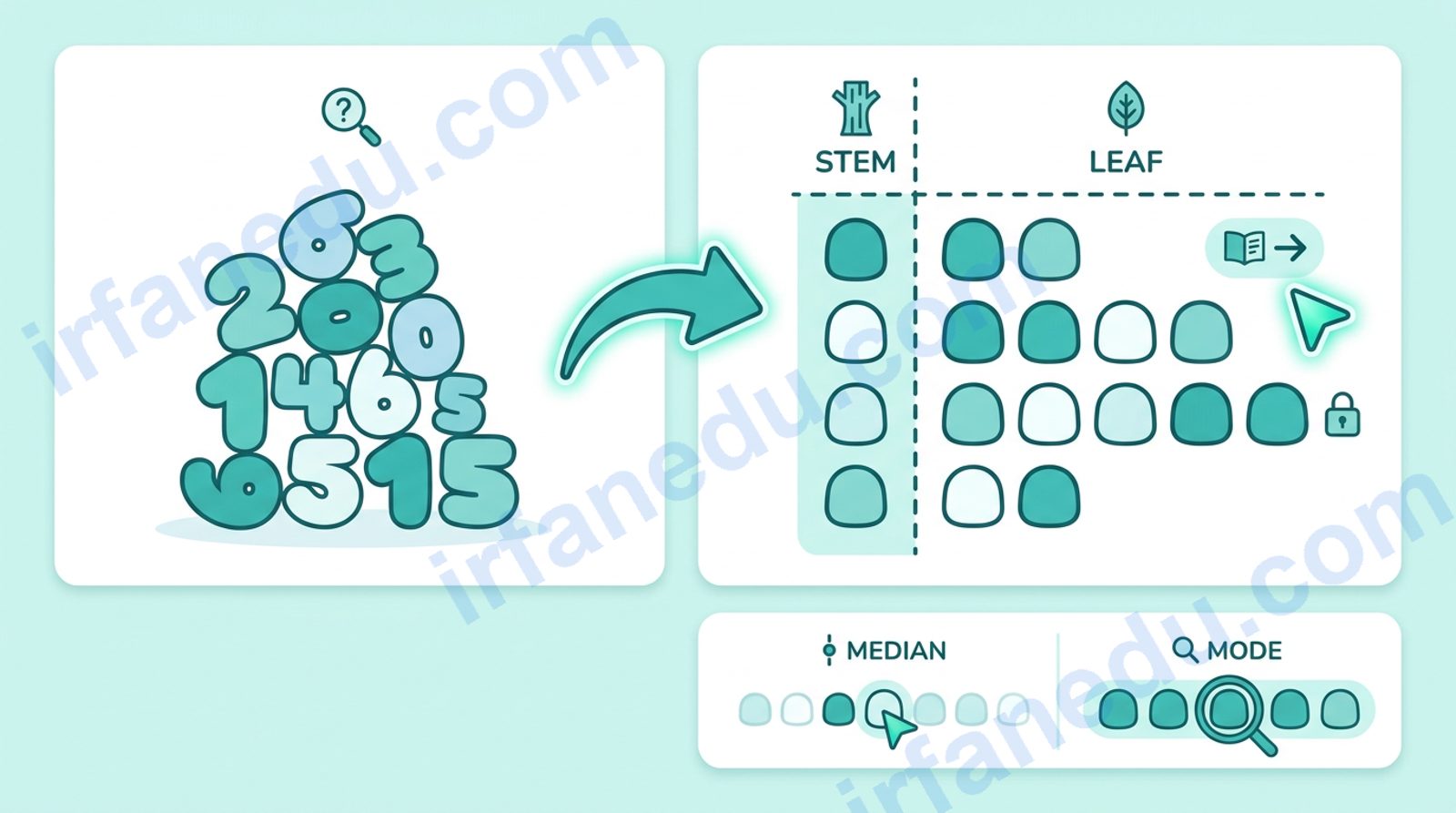
A stem and leaf plot is a quick, lossless way to display numerical data. Every original value is preserved: the stem holds the leading digit(s) and the leaf holds the final digit. You can read the median, mode, and range directly from the plot without any extra calculation steps.
This idea goes back to statistician John Tukey, who introduced the stem-and-leaf display in his 1977 book Exploratory Data Analysis as a hand-drawn alternative to histograms. Unlike a histogram, it keeps every raw value visible. In 2026, it remains a core topic in middle and high school statistics because it teaches students to see the shape of data before reaching for a calculator.
This free generator does the sorting and splitting for you. Paste in any list of whole numbers, choose single or back-to-back mode, and get a clean plot with key statistics in under a second.
⚡ TL;DR
- Stems = leading digit(s); leaves = final digit of each value.
- Data stays sorted and every original value is preserved.
- Median, mode, and range are readable directly from the plot.
- Back-to-back mode compares two datasets on a shared stem column.
- This generator handles both modes and shows a step-by-step solution.
Stem and Leaf Plot Generator
Enter numbers separated by commas or spaces
Whole numbers only. Separate by commas or spaces.
Your Stem and Leaf Plot
How to Use This Stem and Leaf Plot Generator
- Type or paste your numbers into the input box. Separate them with commas or spaces. Whole numbers only.
- Choose Single Dataset for one group of data, or Back-to-Back to compare two groups.
- Click Generate Plot. The tool sorts your data, builds the plot, and shows median, mode, range, and a numbered step-by-step solution.
- Read the statistics chips below the table for quick summary values.
- Click Reset to clear everything and start over.
What Is a Stem and Leaf Plot?
A stem and leaf plot is a data display that preserves every original value while showing the distribution’s shape. Each number is split into two parts: the stem (all digits except the last) and the leaf (the last digit). Stems are listed once in a vertical column; leaves are written beside their stem in a row.
John Tukey introduced this display in 1977 as a hand-drawn tool for exploratory data analysis. Its key advantage over a histogram is that it keeps the raw data visible, so you can reconstruct the original dataset from the plot alone. That property makes it ideal for small-to-medium datasets (roughly 5 to 50 values) in classroom settings.
In my experience teaching statistics, students often confuse stem-and-leaf plots with bar charts. The critical difference: a bar chart loses the individual values; a stem-and-leaf plot keeps them. I always tell students: “If you can rebuild the original dataset from the display alone, it’s a stem-and-leaf plot.” That single test clears up most confusion immediately.
The Formula Explained – Stems, Leaves, and Key Statistics
There is no single algebraic formula for a stem-and-leaf plot, but three relationships define how values are split and how statistics are read from the finished plot.
Splitting rule: For a two-digit number N:
- Stem = floor(N / 10)
- Leaf = N mod 10 (the remainder when divided by 10)
For a three-digit number (e.g. 143): stem = 14, leaf = 3.
| Feature | Stem & Leaf Plot | Histogram | Dot Plot |
|---|---|---|---|
| Preserves raw values | Yes | No | Yes |
| Shows distribution shape | Yes | Yes | Yes |
| Practical for large datasets | No (50+ values get messy) | Yes | No |
| Median readable directly | Yes | No | With effort |
| Compare two groups | Yes (back-to-back) | Yes (side-by-side) | Yes (stacked) |
| Requires software | No (hand-drawn) | Usually yes | No |
Key statistics from the plot:
- Minimum: first leaf in the first stem row.
- Maximum: last leaf in the last stem row.
- Range: maximum − minimum.
- Median: the middle value when all leaves are read in order. For n values, median is at position (n+1)/2 if n is odd, or the average of positions n/2 and n/2+1 if n is even.
- Mode: the leaf (and its stem) that appears most often.
Worked Examples
Example 1 – Single Dataset (Test Scores)
Data: 72, 85, 91, 68, 74, 85, 63, 79, 88, 91
Step 1 – Sort: 63, 68, 72, 74, 79, 85, 85, 88, 91, 91
Step 2 – Identify stems: 6, 7, 8, 9
Step 3 – Build the plot:
Stem | Leaves
  6  | 3  8
  7  | 2  4  9
  8  | 5  5  8
  9  | 1  1

Key: 7 | 2 = 72
Step 4 – Statistics: n = 10. Median = average of 5th and 6th values = (79 + 85) / 2 = 82. Mode = 85 and 91 (each appears twice). Range = 91 − 63 = 28.
Example 2 – Back-to-Back (Class A vs Class B Quiz Scores)
Class A: 55, 62, 67, 71, 73, 78, 82, 84 | Class B: 60, 65, 70, 75, 75, 80, 88, 92
Class A (leaves) | Stem | Class B (leaves)
             5   |  5   |
         7   2   |  6   | 0  5
         8   3   |  7   | 0  5  5
         4   2   |  8   | 0  8
                 |  9   | 2

Class A: Median = 74, Range = 29
Class B: Median = 77.5, Range = 32
Class B has a slightly higher median and wider spread. That comparison takes about five seconds to see on a back-to-back plot — it would take much longer with a table of raw numbers.
Common Mistakes – And How to Avoid Them
- Forgetting to sort leaves: Leaves must be written in ascending order within each row. An unsorted row makes the median impossible to read correctly.
- Omitting stems with no data: If your data jumps from the 40s to the 60s, you must still include a row for stem 5 (with no leaves). Skipping it distorts the shape of the distribution.
- Misidentifying the stem for three-digit numbers: For 143, the stem is 14 and the leaf is 3 — not stem 1 and leaf 43.
- Reading back-to-back leaves in the wrong direction: Left-side leaves read right-to-left (the stem is the units digit anchor). Always read outward from the stem.
The “empty stem” mistake is the one I see most often on standardized tests. Students drop the row because there’s nothing to write, then their distribution looks compressed. A quick rule I teach: count the number of stem rows first, then fill in leaves. If any row stays empty, write the stem with a blank leaf column — never skip it.
Looking for more tools in this category? Browse the full Tools & Calculators collection on IrfanEdu.
Most guides teach stem-and-leaf plots as a display tool. They rarely mention that the plot is also a sorting algorithm. When you build a stem-and-leaf plot by hand, you are performing a bucket sort: stems act as buckets, and leaves are inserted in order within each bucket. The result is a fully sorted dataset with O(n) passes through the data for small integer ranges. This is why Tukey designed it as a hand-calculation tool — the act of building the plot and the act of sorting the data are the same operation. Understanding this connection helps students see why the median is so easy to read: the plot is already sorted, so finding the middle value is just a count.
Frequently Asked Questions
What is a stem and leaf plot?
Sources & References
Written and fact-checked by Dr Irfan Mansuri. External links open in a new tab and are provided for further reading and verification.