
Rational Algebraic Expressions Calculator: Simplify, Add, Subtract & More
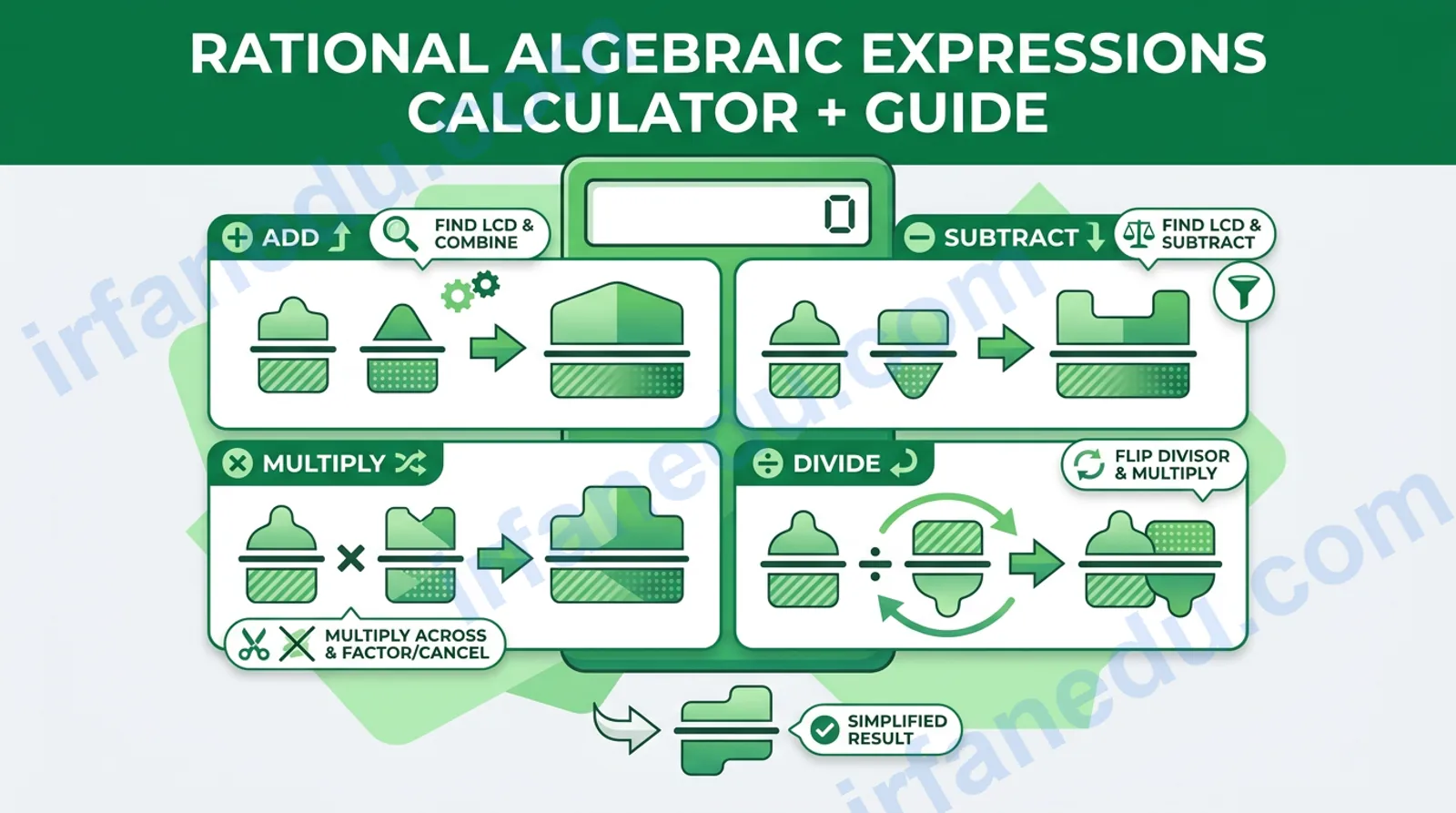
If you have ever stared at a fraction full of x’s and wondered where to start, you are in the right place. This rational algebraic expressions calculator handles all four operations — simplification, addition, subtraction, multiplication, and division — and shows you every step so you actually learn the method, not just the answer.
A rational algebraic expression is any fraction whose numerator and denominator are both polynomials. Working with them follows the same logic as working with ordinary number fractions, but you must factor polynomials first and always note where the denominator equals zero.
📌 Quick Summary
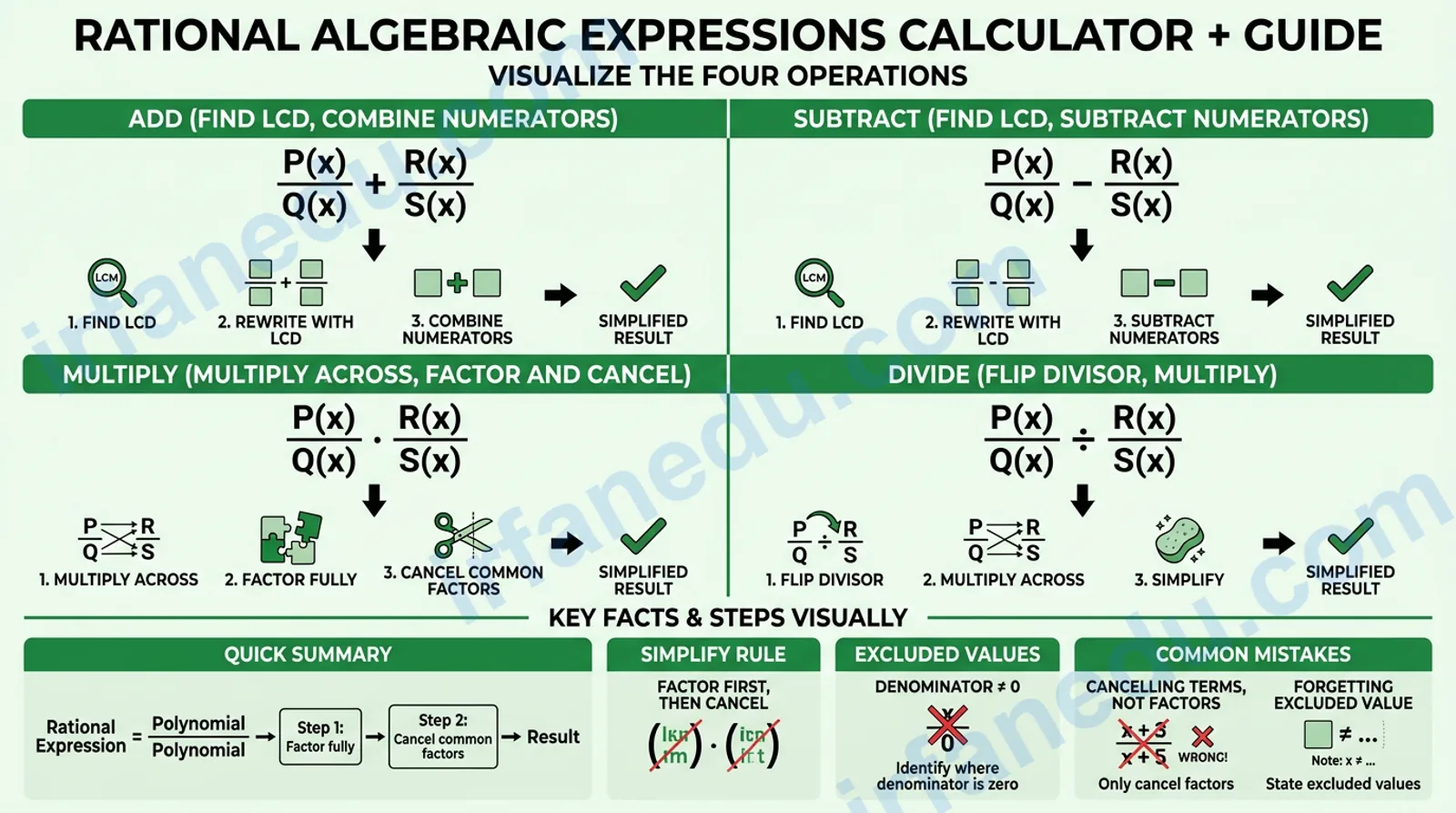
- ✅ Rational expressions = polynomial numerator ÷ polynomial denominator.
- ✅ Simplify by factoring fully, then cancelling common factors.
- ✅ Add/subtract: find LCD, rewrite fractions, combine numerators.
- ✅ Multiply: multiply across; divide: flip the second fraction, then multiply.
- ✅ Always identify excluded values (where denominator = 0).
- ✅ Use the calculator below for instant step-by-step solutions.
What do most students get wrong about rational expressions?
The single most common error I see is cancelling terms instead of factors. Students look at (x+3)/(x+5) and try to cancel the x’s, leaving 3/5. That is wrong. You can only cancel a factor that multiplies the entire numerator and the entire denominator. In this case, (x+3) and (x+5) share no common factor, so nothing cancels.
The second most common mistake is forgetting to state the excluded value after simplifying. Even if (x²−9)/(x−3) simplifies to (x+3), the expression is still undefined at x = 3. That restriction does not disappear just because you cancelled the (x−3) factor.
Knowing these two traps puts you ahead of most students before you even touch the calculator.
Quick facts about rational algebraic expressions
| Fact | Detail |
|---|---|
| Definition | A fraction P(x)/Q(x) where P and Q are polynomials and Q ≠ 0 |
| Simplify rule | Factor fully; cancel common factors only |
| Add/subtract rule | Requires a common denominator (LCD) |
| Multiply rule | Multiply numerators; multiply denominators; simplify |
| Divide rule | Multiply by the reciprocal of the divisor |
| Excluded values | Any x that makes any denominator = 0 |
| Grade level | Algebra 1 & 2, Pre-Calculus (grades 8–11) |
Rational algebraic expressions calculator
Choose an operation, enter your numerators and denominators, and click Calculate. The calculator factors, simplifies, and shows a numbered solution using your exact values.
Step-by-step solution
How to use this rational expressions calculator
The calculator handles any polynomial expression with integer coefficients and a single variable (x). Follow these steps:
- Pick an operation using the mode buttons: Simplify, Add, Subtract, Multiply, or Divide.
- Type your expression(s) into the numerator and denominator fields. Use standard notation:
x^2-9,2x+4,x^2-5x+6. - Click Calculate. The result appears instantly with a numbered step-by-step breakdown.
- Read the excluded values shown in the steps — these are the x-values that make the denominator zero.
- Click Reset to clear all fields for a new problem.
Tip: Use the worked examples below to
Sources & References
Written and fact-checked by Dr Irfan Mansuri. External links open in a new tab and are provided for further reading and verification.